Practice With Ease DRAFT · INTERNAL REVIEW

Homepage redesign: three directions.

Each concept uses the same brand, content and verified figures, presented in a different way. Open one to explore it. All of them are interactive.

3 concepts6 layouts, desktop and mobileHover the menus, click the tabs, scroll the stories
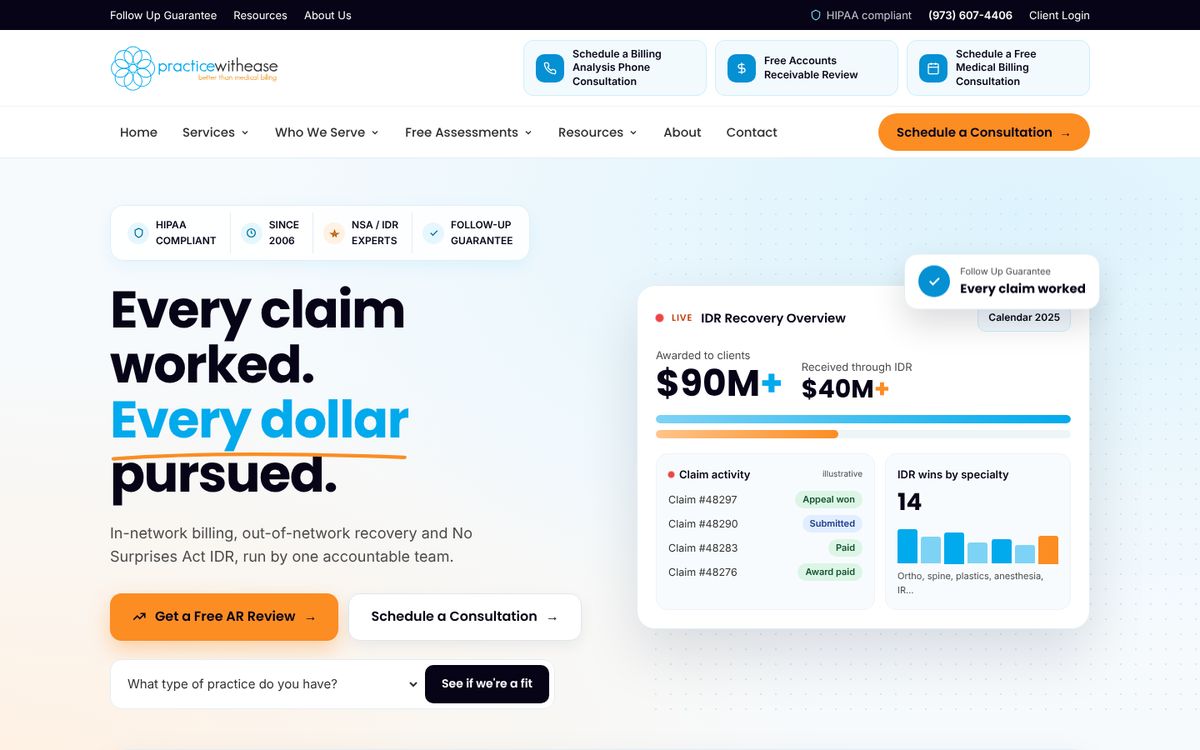
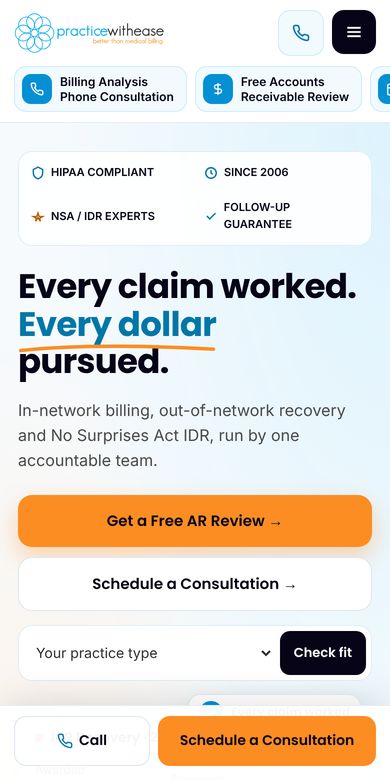
Concept 1 desktop homepage preview
CONCEPT 01

Dashboard

Feels like a live software product. The hero is an IDR results dashboard with figures that count up as the page loads.

  • Live dashboard and a rolling feed of claim updates
  • Video carousel and numbered "why switch" cards
  • Tabbed free assessments and FAQ
Concept 2 desktop homepage preview
CONCEPT 02

Navigator

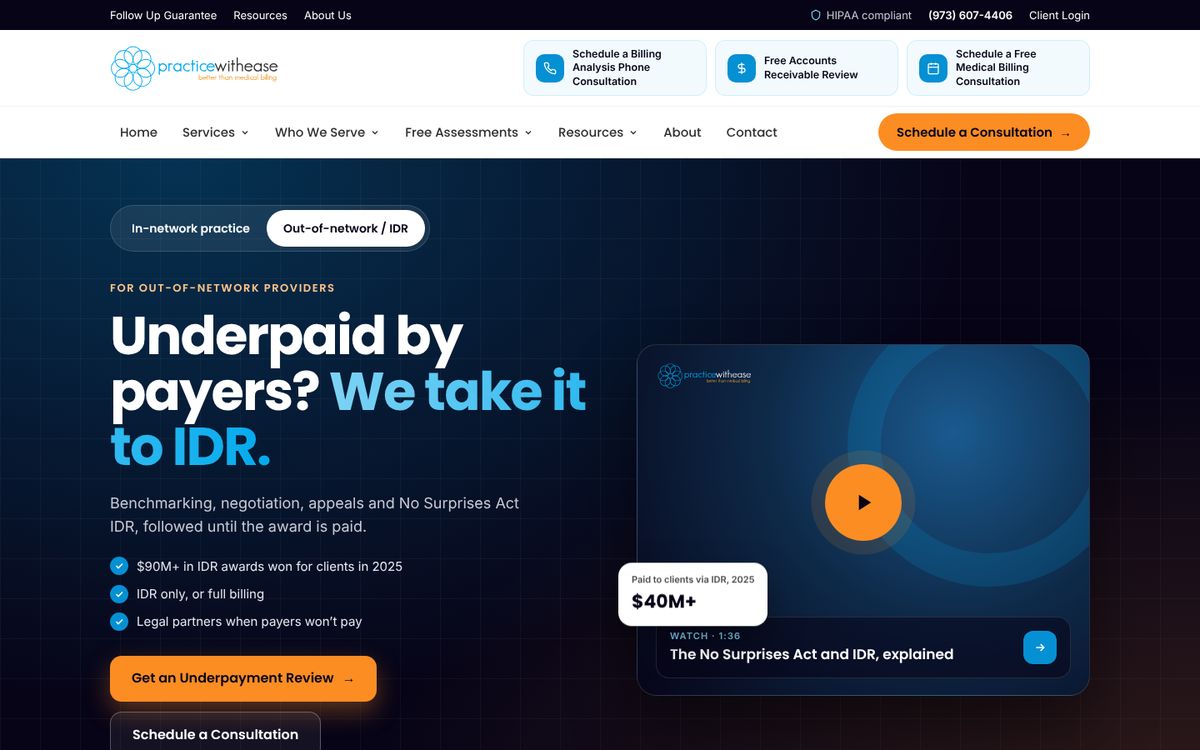
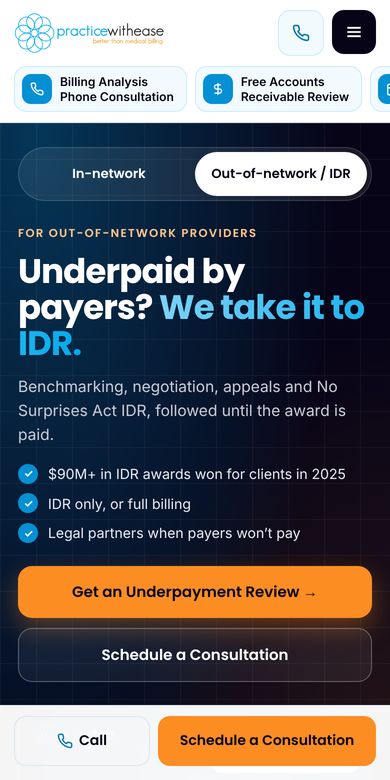
Visitors start by choosing their situation: in-network or out-of-network/IDR. The page then follows one claim's journey as they scroll.

  • Hero that switches by situation
  • Scroll-driven story of a claim's journey, plus a comparison table
  • Two-question finder that points to the right free assessment
Concept 3 desktop homepage preview
CONCEPT 03

Photo-led

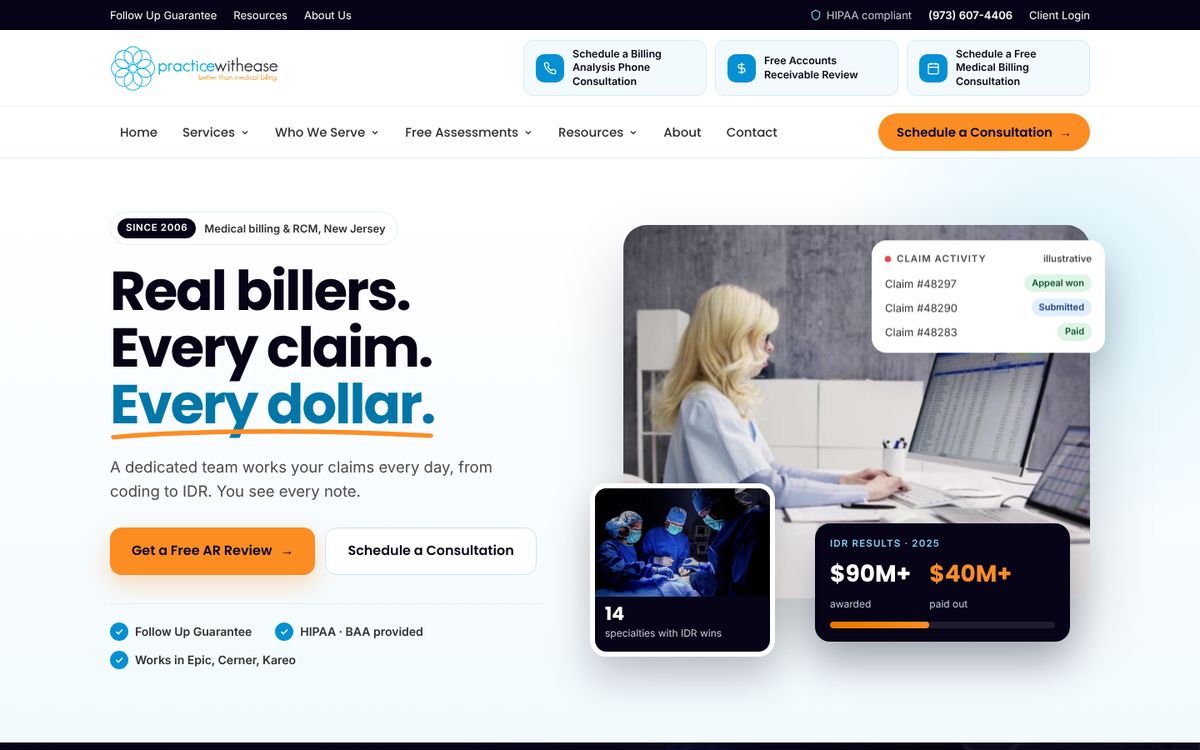
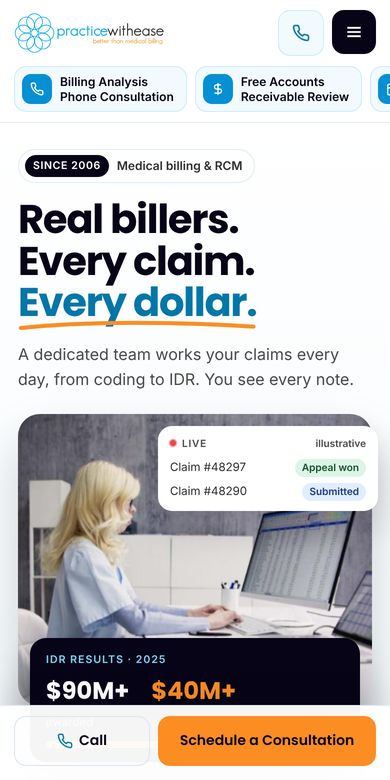
Light and people-first. Photos of real billers and clinical teams carry the data, with numbers layered over the images.

  • Photo hero with live data cards on top
  • Full-width photo band with the results figures
  • Photo tabs for each practice type, and a "meet the team" video section

Notes: every figure shown comes from the client's existing site. Anything marked "illustrative" is sample data. Photos are temporary images from the client's current site and videos; a custom photo shoot is recommended for launch. Links point to the live practicewithease.com pages.